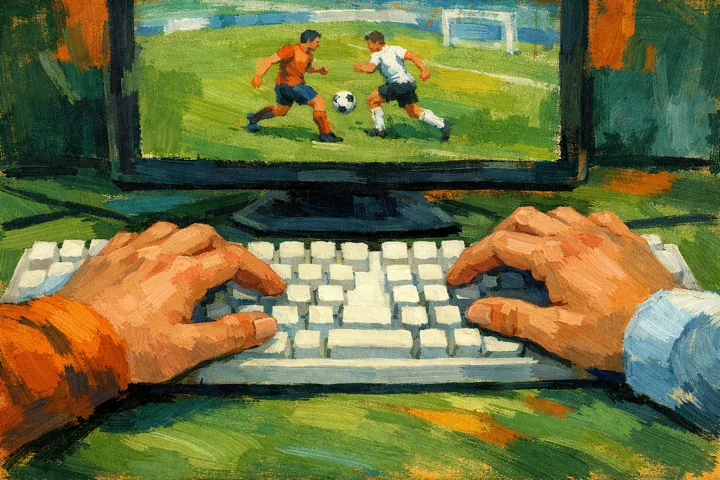
Separate the Ragdoll Soccer keys
For Ragdoll Soccer and Puppet Fighter, sit so that each player can reach their listed keys. In Ragdoll Soccer, Q and E sit beside the first player’s movement keys, while the arrow-key side has its own action inputs. Try 1 practice round before keeping a tally.
Take turns in 3D Bowling and billiards
8 Ball Billiards Classic and 3D Bowling use the mouse for the shot. In 3D Bowling, wait until the roll has finished before passing the mouse. In 8 Ball Billiards Classic, leave the pointer alone while the other person sets aim and power.
Choose the Puppet Fighter mode first
Puppet Fighter is a collection of mini-games, and Ragdoll Soccer offers several modes. Choose the Puppet Fighter mini-game or Ragdoll Soccer mode before the first round. In Arena Meadow’s tally, agree whether 1 point means a goal, a round or a whole match.
Pause after a bowling game or soccer round
After a 3D Bowling game or Ragdoll Soccer round, check whether both players want a rematch. Between 3D Bowling matches, put the mouse down and look away from the screen. Stop the next Ragdoll Soccer rematch if either person feels uncomfortable.
Arena Meadow’s tally is only your entries
Arena Meadow’s tally only repeats what the user enters. For a disputed Ragdoll Soccer point, use the game’s own result or agree a replay. Arena Meadow awards no prizes or money for the tally.