How 3D Bowling plays
In 3D Bowling, the path and curve of the roll determine how the ball reaches the pins. Compare the result with the movement you made on the mouse. Change one part of the next roll rather than moving every input at once.
The opponent setup
Select 2 Players in 3D Bowling and share the mouse by turns. The game’s own scoring is separate from Arena Meadow’s optional match tally. There is no remote room code in the route checked for this guide.
Controls to know
The 3D Bowling control description says to drag with the left mouse button and release to throw. Use a short practice roll to see how the motion maps to the lane. A touch or controller setup was not independently confirmed.
A first practice move
Begin 3D Bowling with a straight-looking drag and inspect where the ball meets the pins. On the next turn, change the angle slightly while keeping the rest of the motion similar. The comparison is more useful than a completely different swipe.
Money and advertising
CrazyGames does not flag in-app purchases in 3D Bowling. No paid random items or money stakes appeared in the checked browser route. Portal advertising may appear around the game; this was not a UK advertising review.
Age and content
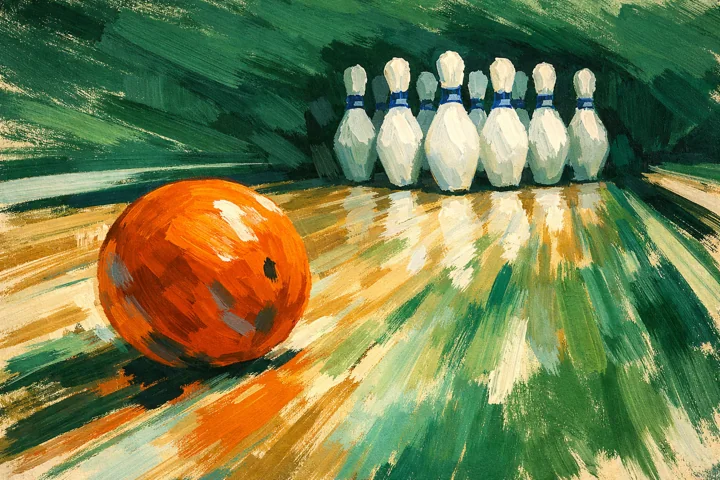
The 3D Bowling scene contains a lane, a ball and pins. The guide does not turn that subject into an all-ages rating: CrazyGames still imposes its platform minimum, and a formal classification for this port was not verified.
3D Bowling: Bowling player opened in a desktop browser.